Prepare the auction
Configure auction terms, register buyers and sellers, and organize lots before the first item sells.
Seven-day HammerTrack Pro demo
Put HammerTrack Pro through a complete Retail auction workflow—from setup and bidder registration to live sales, checkout, and seller settlement.
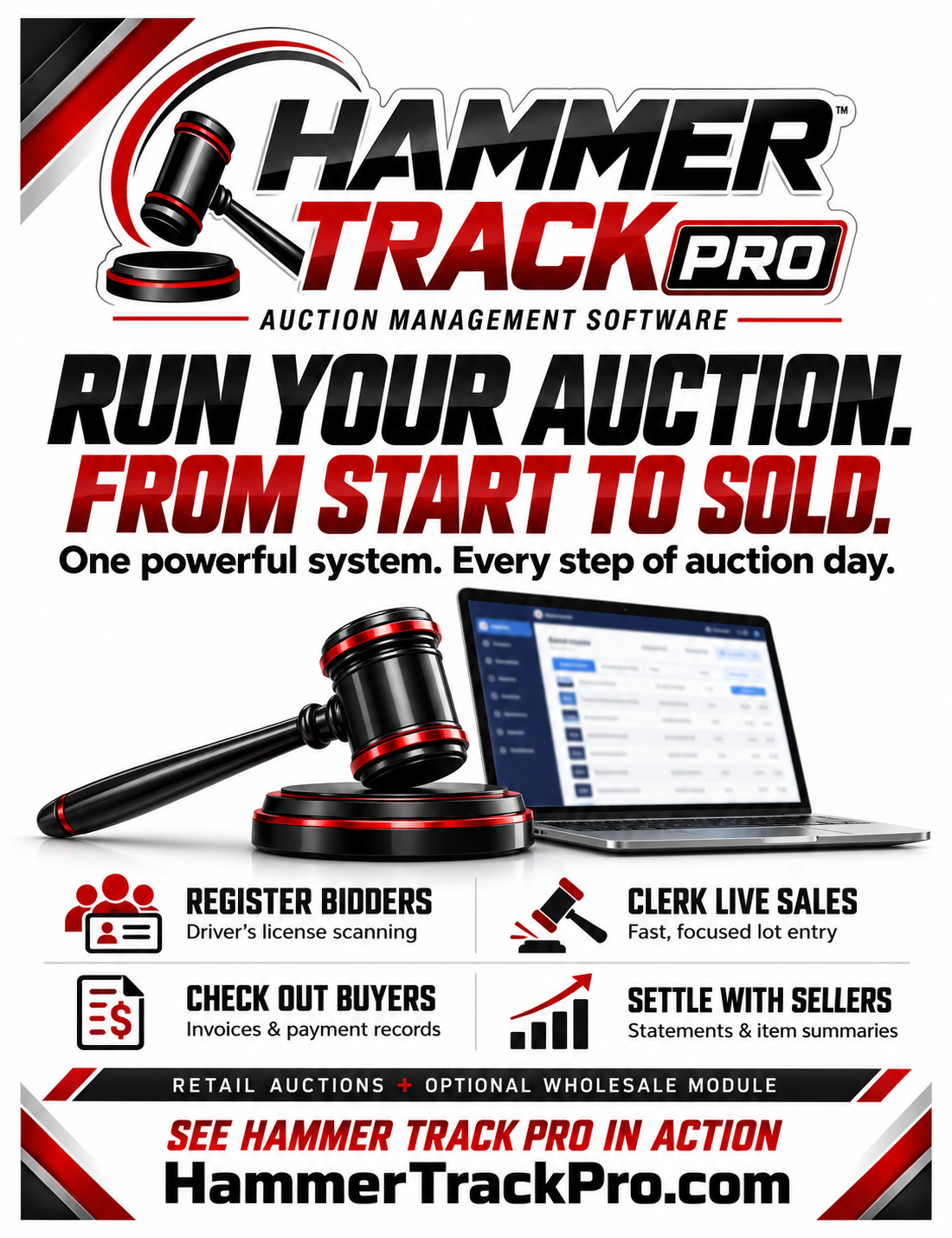
Retail auction workflow
No auction-count limit
Works offline
Local data ownership
Use it where it matters
This is a working Retail demo—not a slideshow. Set up an auction, enter real records, print documents, and experience the same focused workflow your team will use on auction day.
Configure auction terms, register buyers and sellers, and organize lots before the first item sells.
Record bidders, quantities, hammer prices, and sold items through the fast Retail entry workflow.
Create invoices, record payments and refunds, and keep every correction auditable.
Calculate commissions, prepare settlement records, print documents, and back up your auction data.
Simple activation
Each demo uses a signed key made for your computer. Because the seven-day clock begins when the key is issued, we create it when you are ready to install and begin.
Send us your name, email, and a little about your auction operation.
Open HammerTrack Pro, copy the Machine ID shown on the activation screen, and send it to us.
We’ll email your demo key. Import it and begin your seven-day evaluation.
A safe path to the full system
Your auctions, registrations, sales, payments, settings, and backups remain in place when you upgrade to a paid license. The demo includes the complete Retail workflow; driver’s-license scanning and the optional Wholesale module are available with the appropriate paid licenses.